
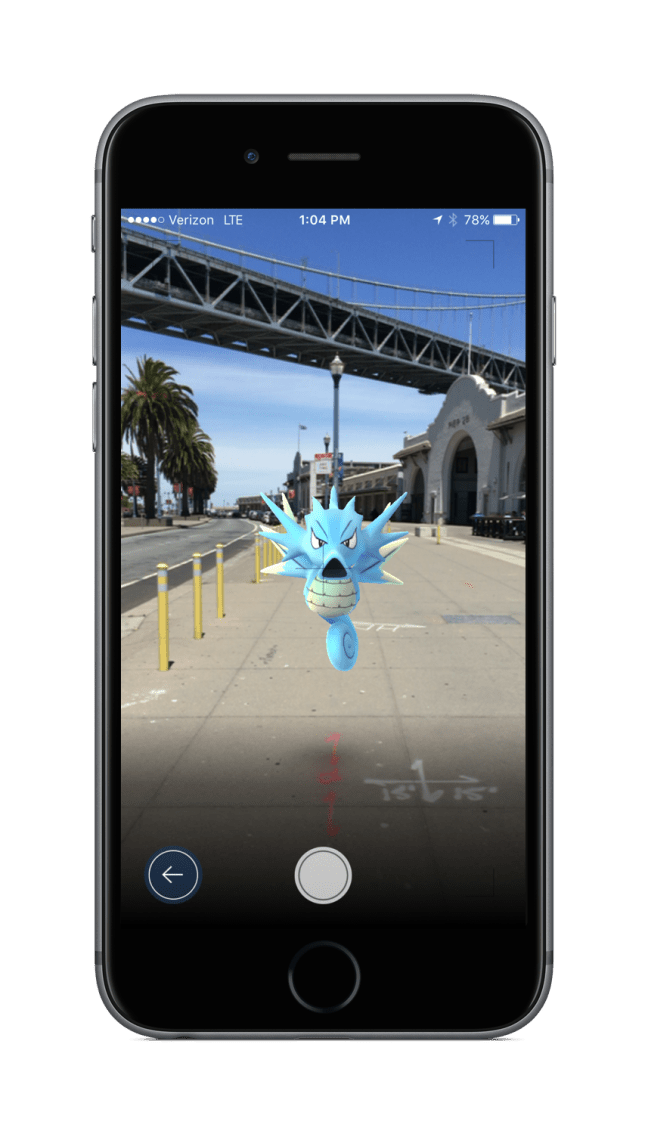
If you own an iOS or Android device, you may be able to download Pokemon GO right now. Depending on your region, the mobile game can be downloaded for free via iTunes and Google Play. You’ll need at least 110 MB of free space to download it on iOS, while the Android version weighs in at 58M. In-app purchases are supported, allowing you to spend real money on virtual items such as PokéCoins, which can be exchanged for power-ups, extra items, and other enhancements. Check out the official description for Pokemon GO below:
Venusaur, Charizard, Blastoise, Pikachu, and many other Pokémon have been discovered on planet Earth! Now’s your chance to discover and capture the Pokémon all around you—so get your shoes on, step outside, and explore the world. You’ll join one of three teams and battle for the prestige and ownership of Gyms with your Pokémon at your side.
Pokémon are out there, and you need to find them. As you walk around a neighborhood, your smartphone will vibrate when there’s a Pokémon nearby. Take aim and throw a Poké Ball… You’ll have to stay alert, or it might get away!
Search far and wide for Pokémon and items
Certain Pokémon appear near their native environment—look for Water-type Pokémon by lakes and oceans. Visit PokéStops, found at interesting places like museums, art installations, historical markers, and monuments, to stock up on Poké Balls and helpful items.
Catching, hatching, evolving, and more
As you level up, you’ll be able to catch more-powerful Pokémon to complete your Pokédex. You can add to your collection by hatching Pokémon Eggs based on the distances you walk. Help your Pokémon evolve by catching many of the same kind.
Take on Gym battles and defend your Gym
As your Charmander evolves to Charmeleon and then Charizard, you can battle together to defeat a Gym and assign your Pokémon to defend it against all comers.
It’s time to get moving—your real-life adventures await!
 Pokémon Blog
I don’t see it on my Google Store… I from the USA is it not up yet on the USA?
LikeLiked by 1 person
Doesn’t look like it has launched in the U.S. yet we’ll keep you posted when it arrives!
LikeLike
Ok so I have a question? One it is in install can you move the app to you SD Card after I install the app to my Internal Storage so it can be on my SD Card to save space? Internal Storage total Space is 1.27GB which I pretty sure is enough to get it in, ss it said I used 1.1GB and have a 160MB Left… I been uninstall my default apps with the upgrade like YouTube, Hangout, Google, and etc. So it go back to the default app of Google, Hangout, and YouTube apps when I got the phone to save space for when I have install this… I hoping ones I install I can move Pokemon Go App to my SD Card as I have a 32 SD Card so that would help if it was on the SD card though I have to install first which it alway go in Internal Storage when you install an app then you can move it your SD card afterwords… So if you got any info for on if you can move the App to the SD Card please tell me as not all app you can do it… So I would like to know if you can for Pokemon Go?
LikeLike
Wish I had an Android so that I can confirm whether this works, but I guess you never know for sure unless you try. The app size isn’t that big though so you don’t need that much free space. If it helps, here’s the official specs list for the Android version:
-Size: 58M
-Requires Android: 4.4 and up
-Android 4.4 to Android 6.0.1 (Android N will not supported until the official Android release)
-Preferred resolution of 720×1280 pixels (Not optimized for tablet)
-Strong internet connection (Wi-Fi, 3G, or 4G)
-GPS and Location Services
-Intel CPUs are not supported
LikeLike