
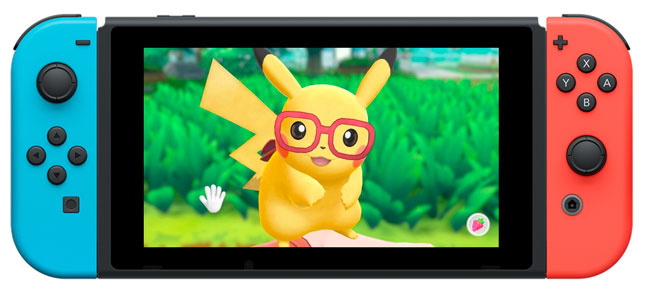
Instructions for how to update Pokémon: Let’s Go, Pikachu! / Pokémon: Let’s Go, Eevee! on Nintendo Switch.
On January 22, 2019 a new software update for Pokémon: Let’s Go, Pikachu! and Pokémon: Let’s Go, Eevee! became available for download. Please take a moment to download and install this update while your Nintendo Switch console is connected to the Internet.
Additional Information:
- This update must be applied in order to use the game’s Internet features.
- Save data will still be available for use after downloading the update.
- If the system is connected to the Internet, the update will download and install automatically.
Complete These Steps:
- Connect the Nintendo Switch console to the Internet.
- Return to the HOME Menu and launch the game.
- The update will be downloaded and installed automatically.
- Once the update is installed, the newest version number will be displayed on the title screen.
Update Details:
Click the version number below for information about the update. Each update also includes all previous updates.
Version 1.0.1
- Issues Fixed
- The issue where the Pokémon received through Mystery Gift does not get registered in the Pokédex when exiting the game without saving has been resolved.
- If you have already received the Pokémon through Mystery Gift, put the Pokémon that is not registered in the Pokédex in the Pokémon Box and download the update data. Once this is done, the Pokémon should be reflected in the Pokédex.
- The issue where the Pokémon received through Mystery Gift does not get registered in the Pokédex when exiting the game without saving has been resolved.
- Other Update Information
- The Pokémon’s Markings and Judge function’s □ and ☆ orders were reversed. It has now been changed to match.
- Various gameplay fixes.
Source: Nintendo Support
 Pokémon Blog
One thought on “How to update Pokémon Let’s Go Pikachu and Let’s Go Eevee”