
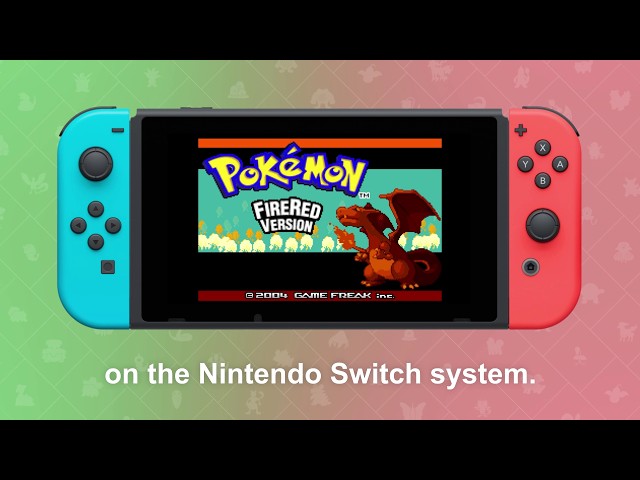
Nintendo has shared details on how to use the new Handheld Mode Boost feature on the Nintendo Switch 2. The feature allows compatible software to run in handheld mode with performance similar to TV Mode, enhancing graphics and frame rates while playing on the go. Nintendo notes that certain game functions may be affected while the boost is active, and players can enable or disable it through the System Settings under Software Handling. The update gives Switch 2 owners more flexibility to optimize gameplay performance when not docked, offering a smoother experience for supported titles.
Follow these steps to enable or disable the Handheld Mode Boost setting on Nintendo Switch 2
Handheld Mode Boost allows Nintendo Switch software to run in handheld mode with performance similar to TV mode, offering improved visuals and frame rates for compatible games.
How to enable or disable Handheld Mode Boost:
- Open System Settings from the HOME Menu.
- Scroll down and select System.
- On the right, choose Nintendo Switch Software Handling.
- Toggle Handheld Mode Boost on or off.
Additional notes:
- Enabling Handheld Mode Boost may increase power consumption.
- Performance improvements vary by game; some software will not be affected.
- This setting does not affect Nintendo Switch 2–exclusive software.
- Certain instructions or touch screen functions may not work while the boost is active.
- Attached Joy-Con 2 controllers will be treated as a Nintendo Switch 2 Pro Controller. Detach them to use other controller options.
Source: Nintendo Support
 Pokémon Blog
One thought on “Here’s how to use the new Handheld Mode Boost on Nintendo Switch 2”